
Autocad MEP
- Computer Courses
- Autocad MEP
AutoCAD MEP Training Overview in Fujairah
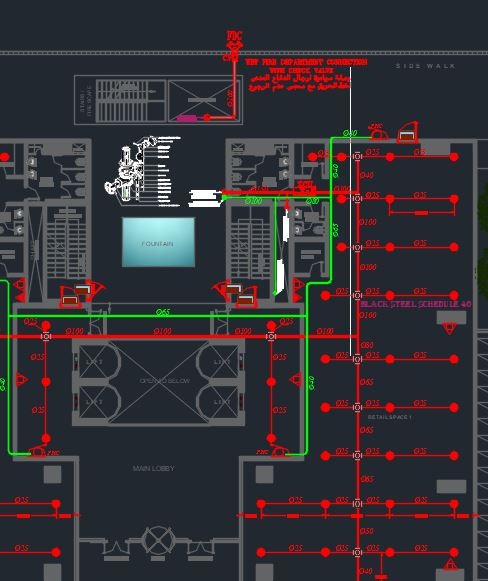
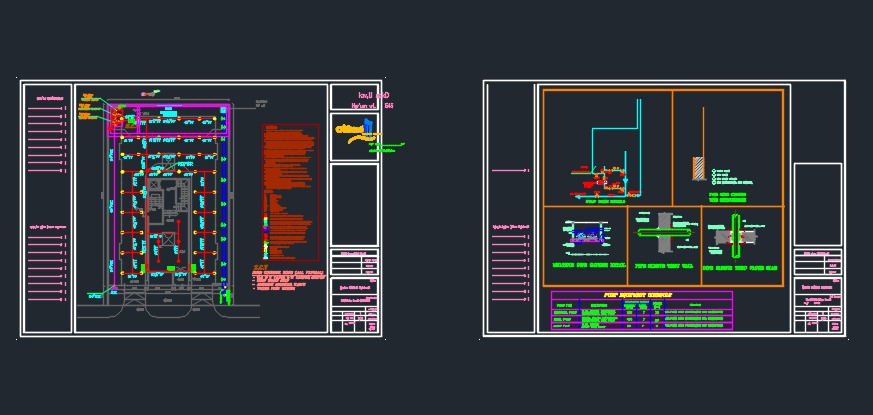
AutoCAD MEP is an object-based computer-aided design (CAD) application used for designing Mechanical, Electrical, and Plumbing (MEP) systems. The AutoCAD MEP course offered by the Four Skills Training Institute in Fujairah equips participants with the skills and knowledge needed to become professionals in designing MEP systems. This training provides access to an extensive library of objects that represent real-world components of MEP systems.

Importance of AutoCAD MEP Training
AutoCAD MEP is considered one of the most advanced software options in the market for creating designs that adhere to industry standards. It enables the management of various layers of building information and facilitates easy modification of designs, unlike manual designing methods. AutoCAD MEP Training is a crucial step to establish oneself as a skilled AutoCAD professional.
Benefits of Obtaining AutoCAD MEP Certification
In a highly competitive field like computer-aided design (CAD), it’s essential to continually update your skills. AutoCAD MEP certification is a globally recognized credential that enhances your resume and connects you with a global network of professionals dedicated to creating top-notch MEP designs.
Outcomes and Professional Benefits of AutoCAD MEP Training
Here are the benefits of completing the AutoCAD MEP Training program:
- Secure your professional future: Becoming proficient in AutoCAD MEP adds credibility to your work and helps you establish yourself as a certified AutoCAD Professional.
- Improve your pay scale: AutoCAD MEP expertise can lead to better salary negotiations with your employer.
- Enhance your knowledge base: AutoCAD Training provides a strong foundational understanding of concepts like schematic drawings, space and zone objects, HVAC, and annotation.
- Globally recognized certification: AutoCAD MEP certification allows you to join a global network of professionals dedicated to creating the best MEP designs.
- Real-life project opportunities: AutoCAD Training offers the chance to work on projects and solve real-world design problems through experiential learning.
AutoCAD MEP Certification Career Paths and Opportunities
After completing AutoCAD MEP Training, you can explore various career paths and positions held by AutoCAD MEP-certified professionals, including:
- Design Engineer
- Draughtsman
- Project Manager
- Site Engineer
- Maintenance Engineer
- Sales Engineer
- Designing Consultant
- Drafting Consultant
- Project Contractor
- Facilities Manager
- AMC Contractor
- Technician Supervisor
Industries Seeking AutoCAD MEP Professionals
AutoCAD MEP professionals are in demand across various industries, including:
- Construction
- Automotive
- Manufacturing
- Energy management
- Electricity
- Communication technology
- Sustainable design
- Piping industry
Prerequisites for Enrolling in the AutoCAD MEP Course
The AutoCAD MEP course is suitable for mechanical engineers and engineers with expertise in electrical and plumbing systems. It is designed to enhance the skills of professionals in these fields.